
Text Us
Call Us
Contact Us
Get Trained

Online Ombre Powder Brows Course

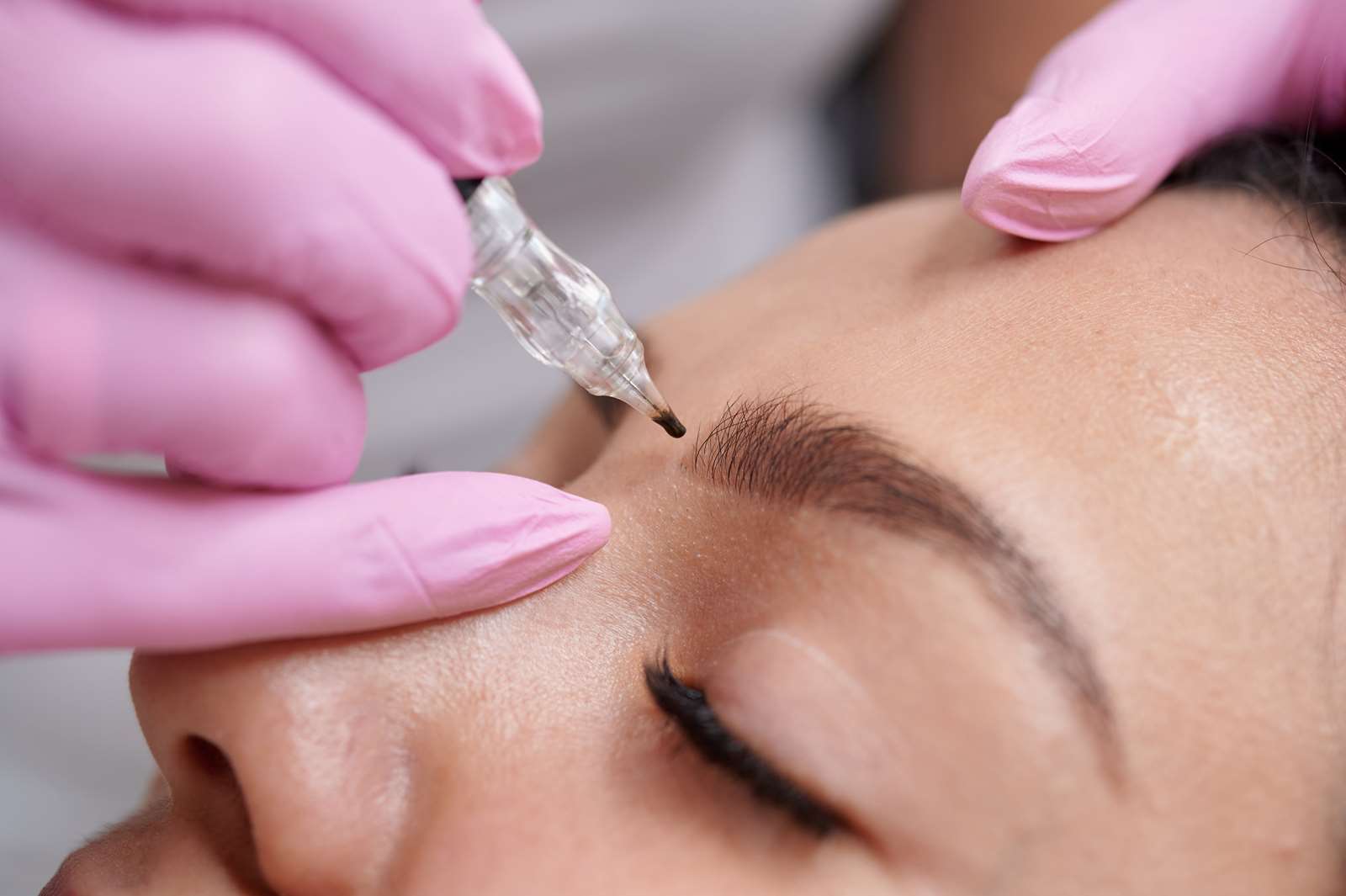
Learn the fundamentals of Ombre Powder Brows through a structured online training designed for beginners and aspiring permanent makeup artists who want to build a strong technical foundation before working on live clients.

This course focuses on theory, technique development, machine control, and guided practice on artificial practice skin only. No live model work or in-person hands-on training is included in this program.

Whether you are completely new to permanent makeup or looking to strengthen your understanding of powder brow techniques, this course was created to help you develop proper habits, improve confidence, and understand the core principles behind natural-looking healed results.


What You Will Learn

Ombre Powder Brow Fundamentals

Understand the difference between powder brows, microblading, combination brows, and other PMU techniques. Learn how soft shading creates a more polished and long-lasting brow effect.

Brow Mapping & Facial Symmetry

Learn how to properly measure and map brows based on facial structure, proportions, and natural growth patterns.

Machine & Needle Knowledge

Gain understanding of PMU machine basics, needle configurations, depth control, and proper setup for powder brow procedures.

Shading Techniques & Hand Movements

Watch detailed demonstrations explaining pixel placement, pendulum movements, whip shading, layering techniques, pressure control, and gradient creation.

Pigment Selection & Color Theory

Learn how to choose suitable pigment tones based on undertones, skin type, and desired healed results.

Skin Types & Contraindications

Understand how oily, dry, mature, sensitive, and combination skin may affect retention and healed outcomes.

Sanitation & Professional Setup

Learn proper workstation preparation, sanitation standards, disposable setup, and cross-contamination prevention.

Client Consultation Basics

Understand how to communicate professionally with clients, review expectations, discuss contraindications, and create realistic treatment plans.

Healing Process & Aftercare

Learn what to expect during the healing process and how proper aftercare affects retention and final results.

Beginner Mistakes & Troubleshooting

Understand common mistakes beginners make with pressure, saturation, symmetry, and pigment implantation — and how to avoid them.


Practice-Based Online Learning

This course includes guided practice exercises using artificial practice skin only.

Students are encouraged to repeatedly practice machine movements, shading patterns, and brow structure before advancing to live model work or hands-on education.

This training is intended to help students build confidence, muscle memory, and theoretical understanding in a lower-pressure learning environment.


Who This Course Is For

• Complete beginners interested in permanent makeup
• Beauty professionals expanding into PMU
• Artists wanting to strengthen powder brow fundamentals
• Students preparing for future hands-on training
• Individuals who prefer flexible online learning at their own pace


Important Information

• This is an ONLINE course only
• No in-person training is included
• No live model practice is included
• Students practice on fake skin only
• Internet access is required to view the training materials
• Course access is provided digitally after enrollment


Course Access

Students receive online access to the educational materials, allowing them to review the lessons at their own pace from anywhere in the world.

Some course materials may be released gradually to improve learning progression and avoid overwhelm.


Disclaimer

Laws and licensing requirements for permanent makeup vary by state and country. It is the student’s responsibility to research and comply with all local regulations, licensing requirements, bloodborne pathogen certifications, permits, and insurance requirements before performing services professionally.

This online course is educational in nature and does not replace local licensing or regulatory requirements

You can add any HTML here (admin -> Theme Options -> E-Commerce -> Promo Popup). We suggest you create a static block and put it here using shortcode

Â